
1 Start
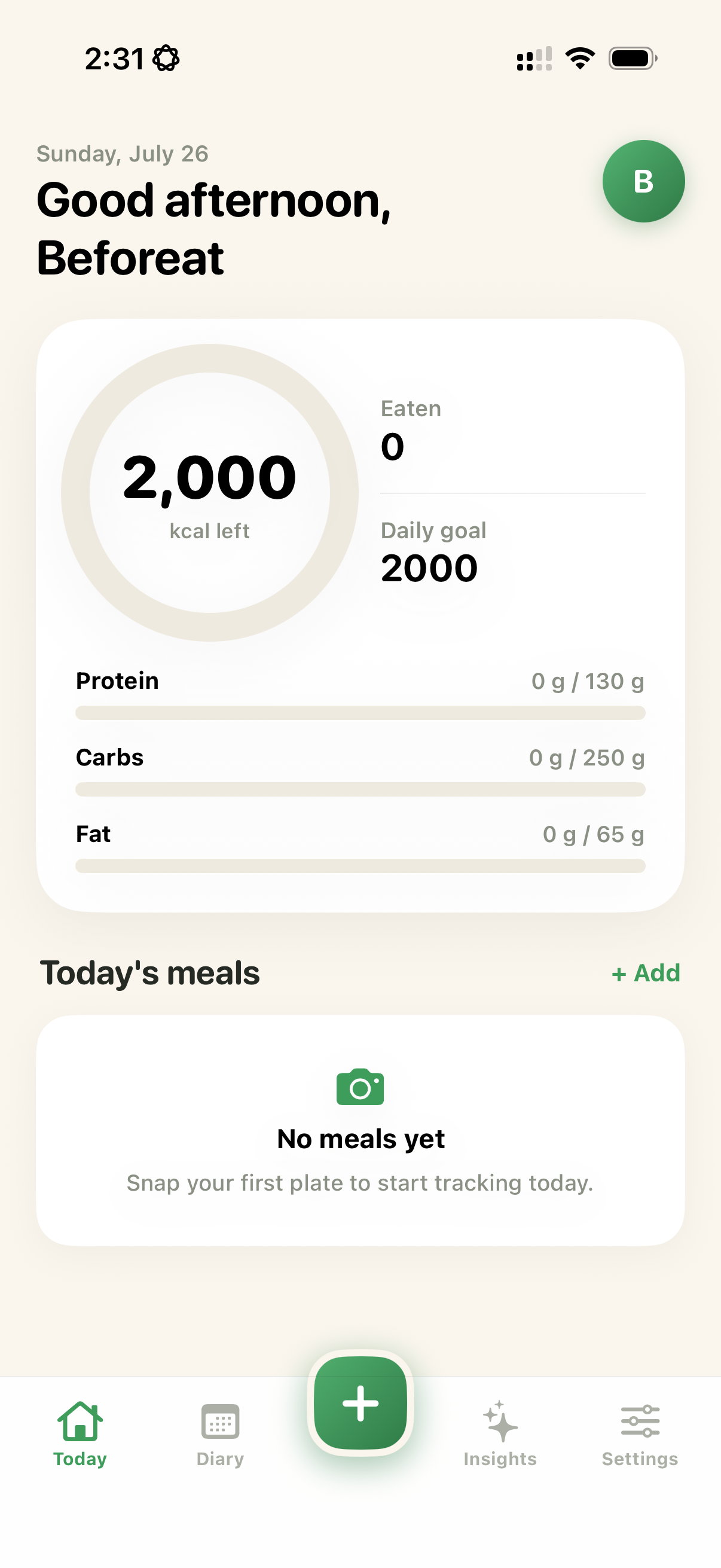
Tap the green plus button
From Today, Diary, or Insights, tap the large green + button. Take a new photo or choose an existing meal picture.
Learn the essentials, find answers to common questions, or send our support team a message.
Beforeat is designed to make food logging quick. Follow these steps whenever you want to add a meal.
From Today, Diary, or Insights, tap the large green + button. Take a new photo or choose an existing meal picture.
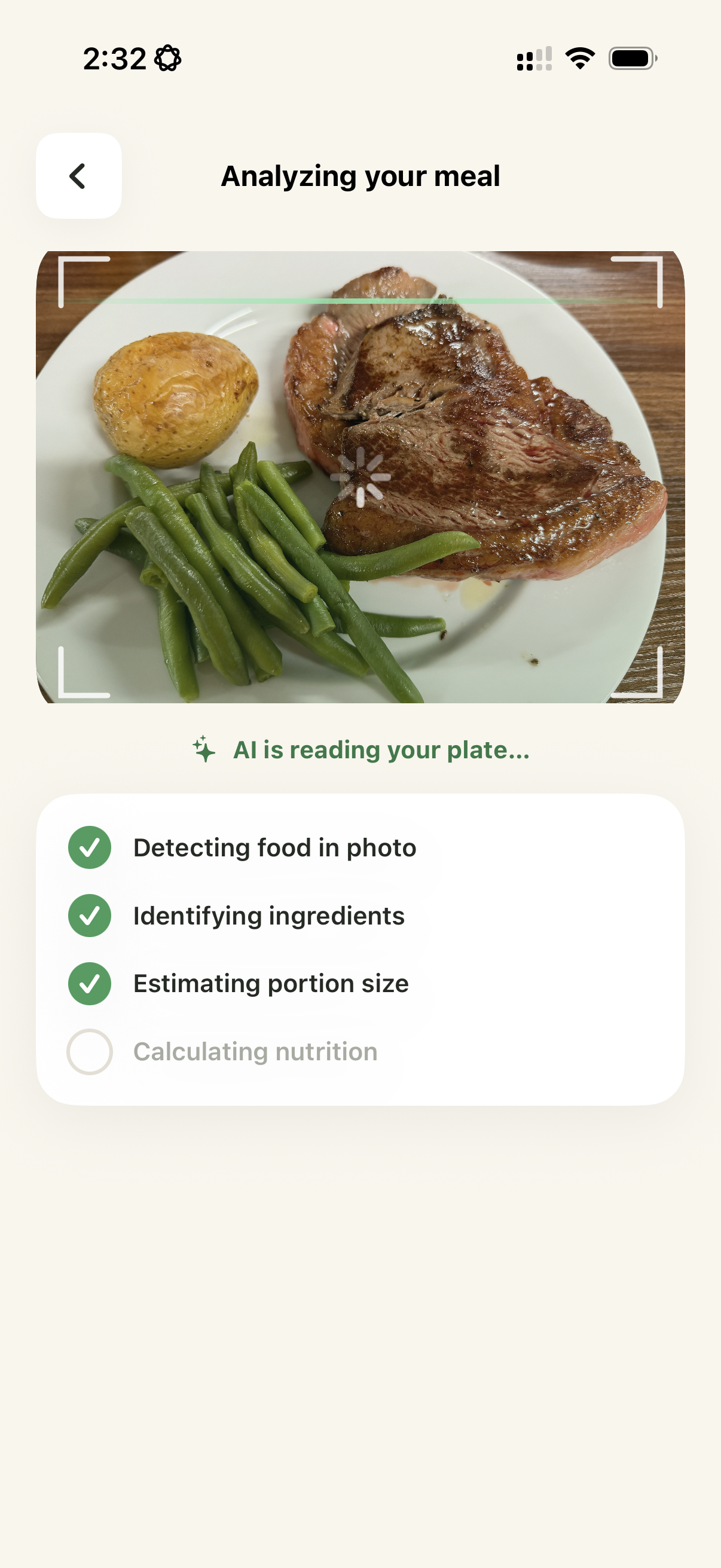
Beforeat detects visible foods, estimates the portion, and calculates calories and macros. Keep the app open while analysis completes.
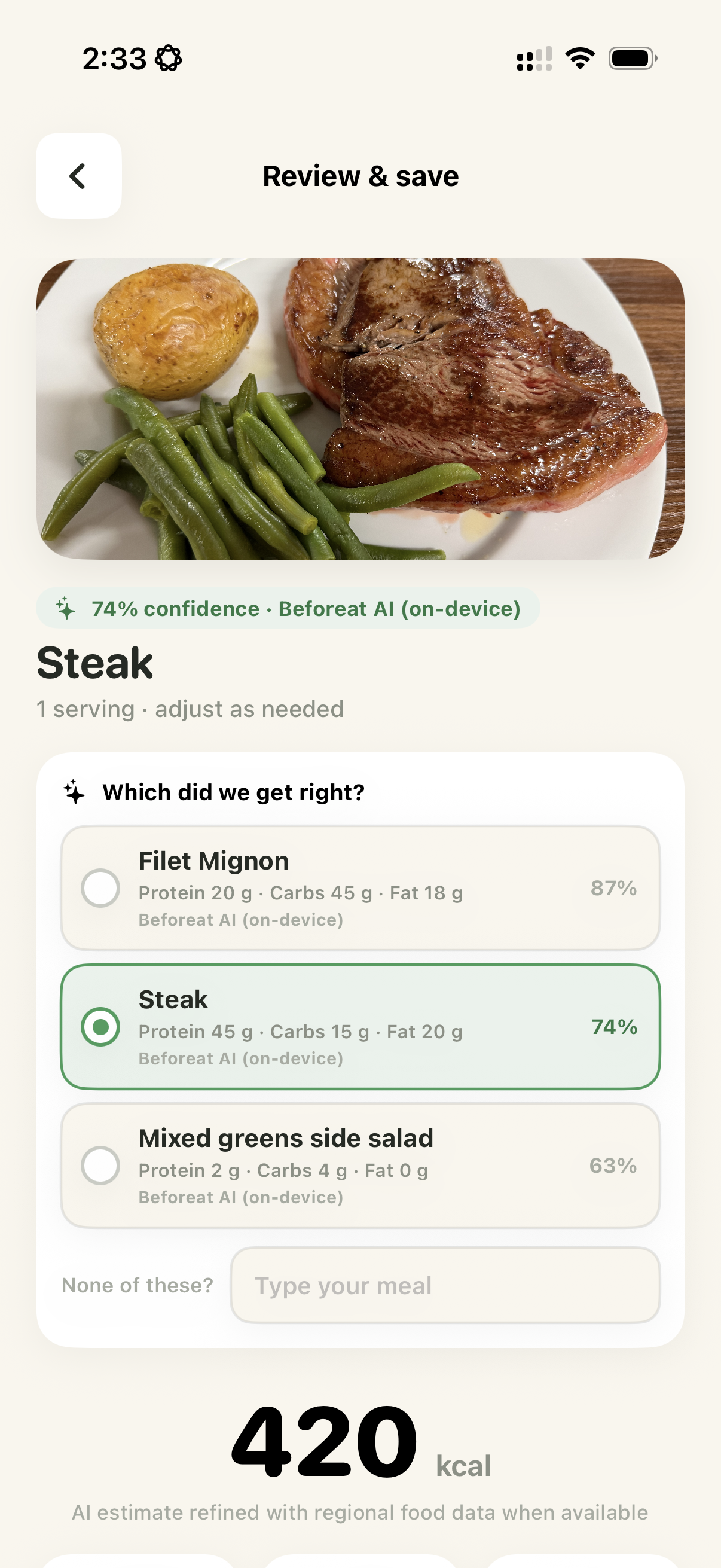
Choose the closest food match, review serving size and nutrition estimates, then save. Every logged entry remains editable.
Use your diary to understand patterns, personalize recommendations, and choose the feature level that fits your routine.
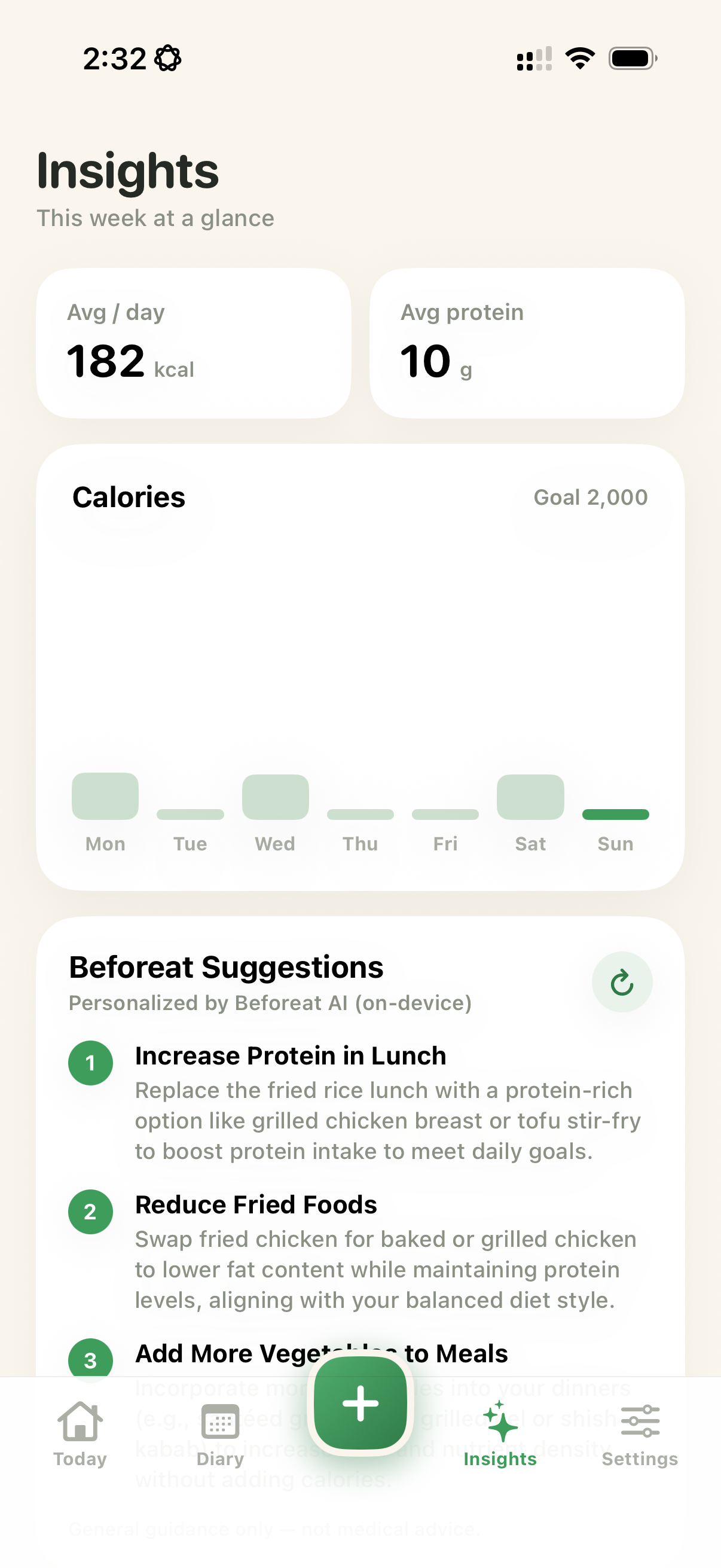
Insights summarizes your recent diary and compares your average intake with the goals you set. Suggestions are general guidance, not medical advice.
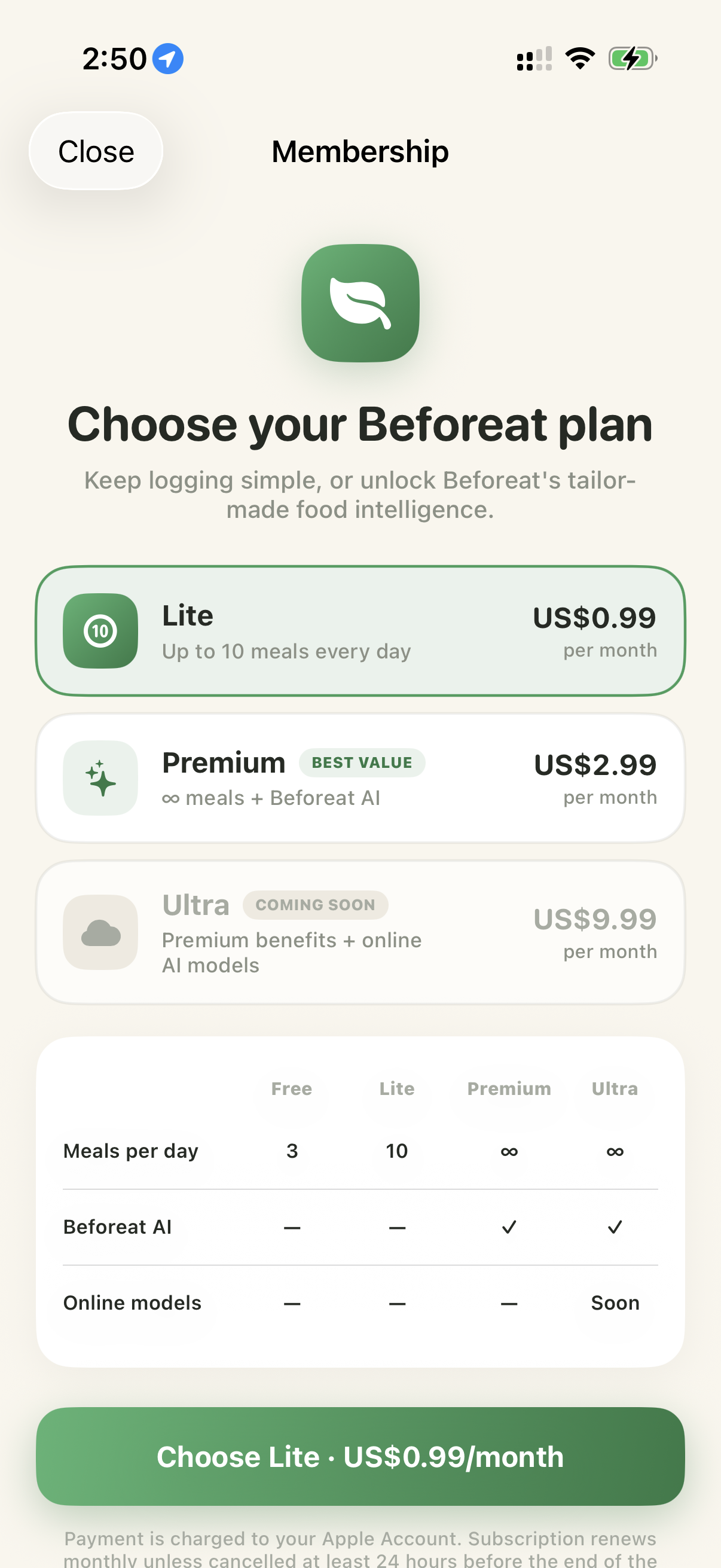
Open Settings and select Membership to compare available plans. Purchases and renewals are handled securely through your Apple Account.
Beforeat provides estimates based on the visible food, serving information, and available nutrition databases. Results can vary with ingredients and preparation, so review and adjust every entry when needed.
Yes. Open a meal from Today or Diary to change its name, serving, macros, meal type, or date. You can also delete an entry from the Diary.
No separate Beforeat account is required. Your diary starts on your iPhone. Optional iCloud synchronization uses your private Apple iCloud account.
Meal records and photos are stored on your iPhone. If you enable iCloud sync, supported information is also stored in your private iCloud database so it can be restored and synchronized.
Yes. Choose an available on-device AI engine in Settings. Cloud engines are optional and only receive a selected meal photo after the required permission.
Open Settings → Membership in Beforeat to restore purchases. Subscription changes and cancellations are managed through Settings → Apple Account → Subscriptions on your iPhone.
Confirm Apple Health is connected in Beforeat Settings, then review Beforeat's permissions in the Health app. New, edited, and deleted meals synchronize only when the corresponding Health access is allowed.
Choose another suggestion on the Review & save screen, type the meal name manually, then adjust the serving and macros. Clear, well-lit photos taken directly above the plate usually work best.
Tell us what happened and include the steps that led to the issue. Please do not include passwords, API keys, payment details, or sensitive health information.